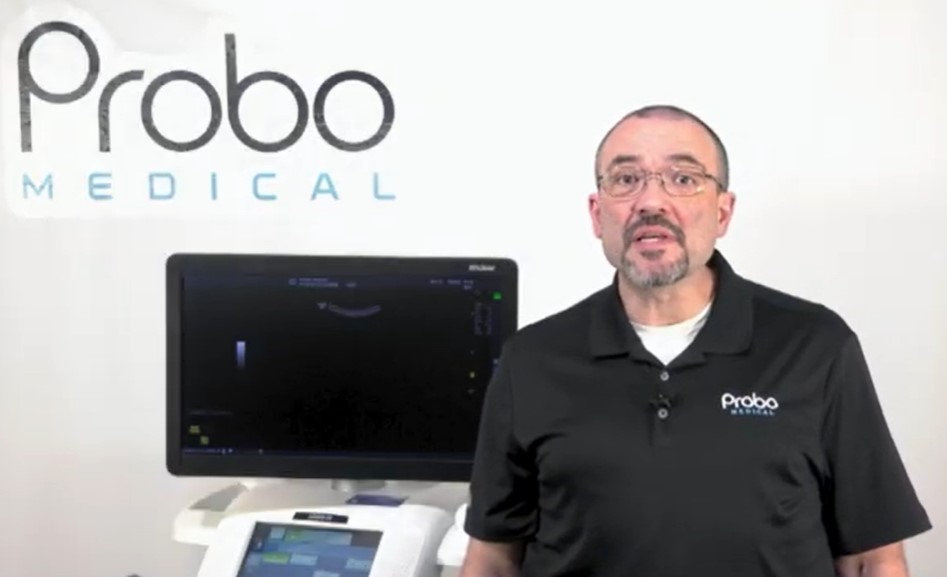
In the second installment of Probo Pro-Tips GE HealthCare LOGIQ E9 series, our Ultrasound Applications Specialist John Zentz provides a step-by-step guide on how to set up networking on your ultrasound. From logging in as an admin to configuring devices, setting up PACS systems, and ensuring proper data flow, this video will provide you with clear instructions and useful tips to help you ensure seamless networking. Our video will highlight key points including: navigating TCP/IP setup for static and DHCP configurations, adding PACS systems and worklists, customizing data flow for optimized image storage, and adjusting store button functionality.

Probo Pro-Tips is our newest series of free online training videos created by Probo Medical, which offer practical guidance on the most common ultrasound application usage questions. Our third and final instalment of the GE HealthCare LOGIQ E9 series will be coming soon, so stay tuned for more helpful tips.