Home | News & Blog | Probo Pro-Tips: GE HealthCare LOGIQ E9 Set Up
Probo Pro-Tips: GE HealthCare LOGIQ E9 Set Up
Probo Pro-Tips: GE HealthCare LOGIQ E9 Set Up
May. 13, 2025
Sara Muny
Read Time: < 1minute
Read Time: < 1minute
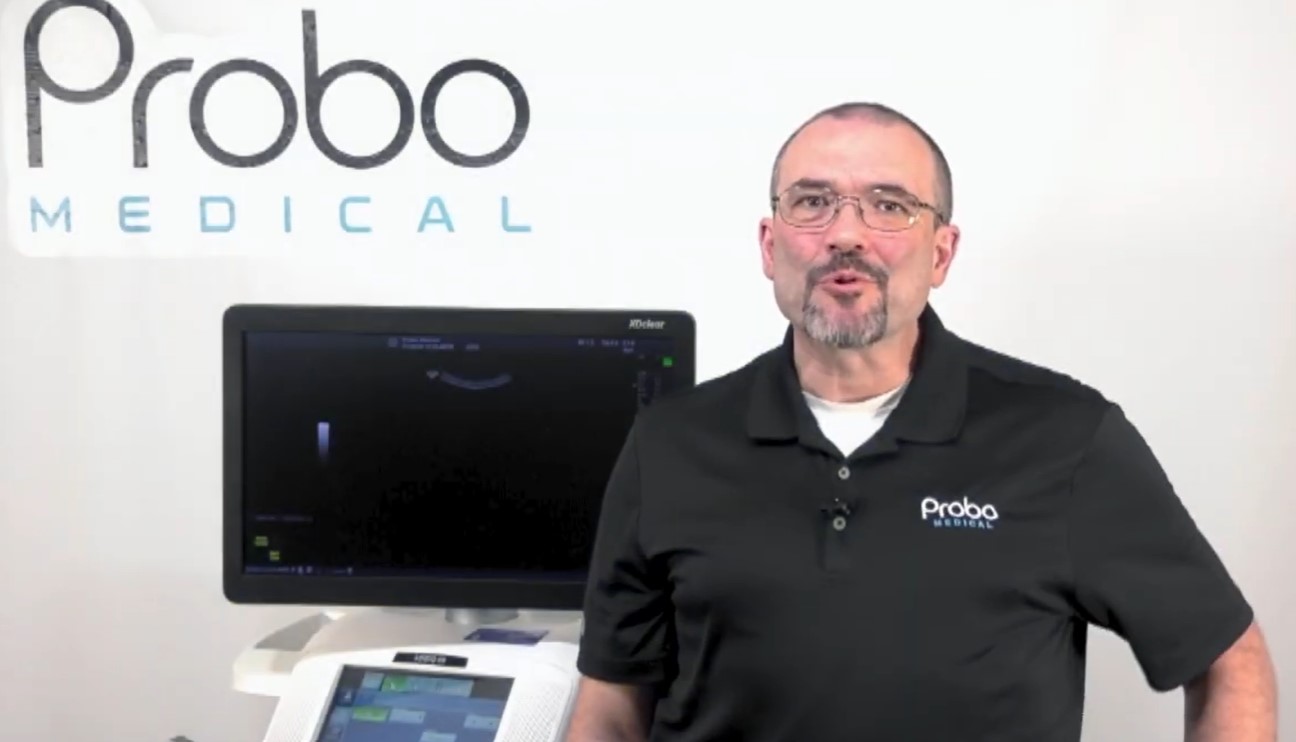
Probo Pro-Tips is our newest series of free online training videos created by Probo Medical, which offer practical guidance on the most common ultrasound application usage questions. In this first instalment of Probo Pro Tips, our Ultrasound Applications Specialist John Zentz provides a step-by-step guide to help you correctly set up your GE HealthCare LOGIQ E9 system for optimal performance. From logging in as an admin to navigating the system headers, configuring imaging presets, and setting up connectivity, this video will walk you through everything you will need to know to correctly set up your ultrasound. This step-by-step guide is designed to make the process clear, practical, and easy to follow. Whether you’re setting up your new system for the first time or configuring settings to match your workflow, you'll learn the essential steps to get your machine running smoothly. At Probo Medical, we’re committed to empowering healthcare professionals with the tools, knowledge, and support they need to deliver exceptional patient care.