Search
No products in the cart.
Learn how to set up and use Scan Assist on any GE HealthCare Versana series ultrasound! In this step-by-step tutorial,...
In part five of our Probo Pro-Tips series for the GE HealthCare Versana Premier, you will learn the step-by-step process...
In part four of our Probo Pro-Tips series for the GE HealthCare Versana Premier, learn how to install a Sony...
In part three of our Probo Pro-Tips series for the GE HealthCare Versana Premier, you'll learn how to save a...
In this latest addition to our Probo Pro-Tips series, learn how to add a new user and other security features...
In this latest addition to our Probo Pro-Tips series, learn how to use and customize the CALC package on your...
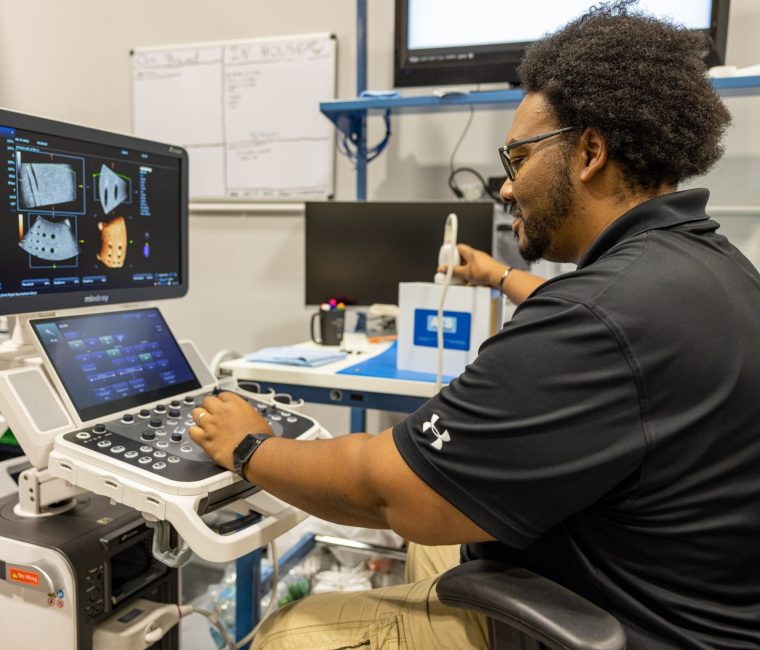
In our newest Probo Pro-Tips series, learn how to complete the assembly process on your Mindray Consona N9 ultrasound machine....
Getting Started with the GE Vivid iq Ultrasound The GE Vivid iq is a complete redesign over GE’s previous portable cardiovascular ultrasound...
Become a Better 4D Tech For this installment of this 4D ultrasound training series, I explain the more technical aspects...
GE’s cSound is a powerful, software-based beamformer image reconstruction platform available on the GE Vivid S70, GE Vivid E90, and...
DICOM setup can be difficult on simple machines... and the Vivid iq is anything but simple. This video will walk...
In this part of our video training I cover all the various screens and pages with explanations of the more...
The GE Vivid iq can export images to USB, Network, and DICOM/PACS. This video covers reviewing images, comparing images, creating...
Part 4 of our Vivid iq training shows how to use Doppler, as well as how to activate the various...
With no keyboard, making measurements and annotations on the Vivid iq takes a different workflow than on traditional portable cardiovascular...