
Continue to Content

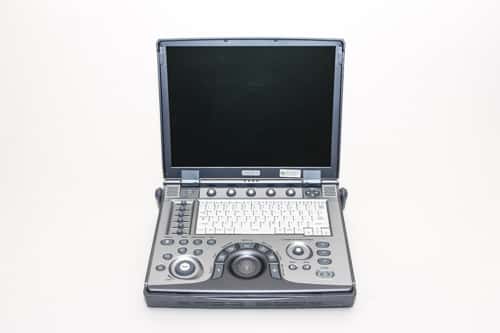
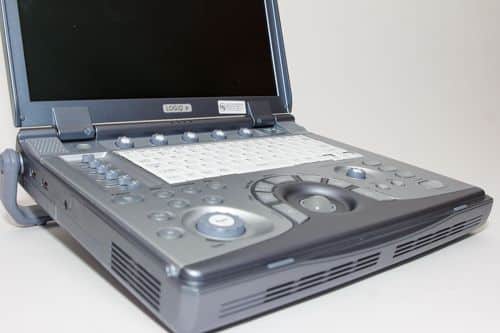
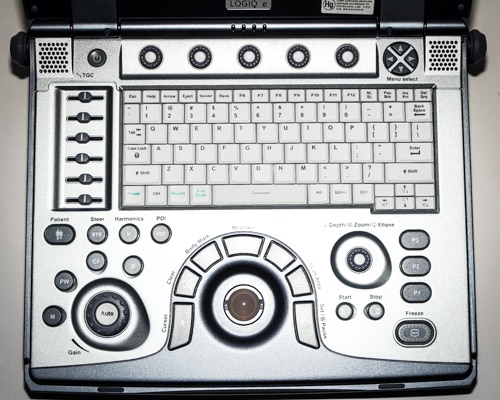
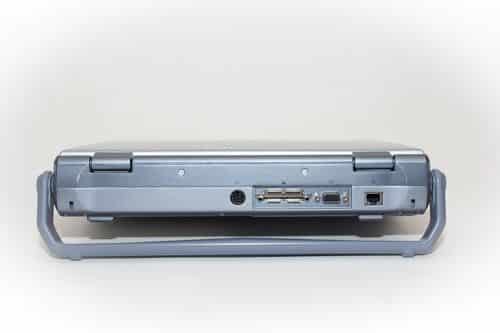
GE HealthCare LOGIQ e

NewRefurbished

Call to configure, special pricing available 317-759-9210

10-year ultrasound equipment warranty

Among the most popular portable ultrasound machines of all time, the refurbished GE Logiq e ultrasound machine remains a reliable choice for a shared service portable ultrasound.

Currently the Logiq e presents a tremendous value when buying or renting a portable ultrasound. It’s versatile, portable, and very popular. For mobile services, small offices and tight budgets, the Logiq e often provides everything you need at a great value.

Read More
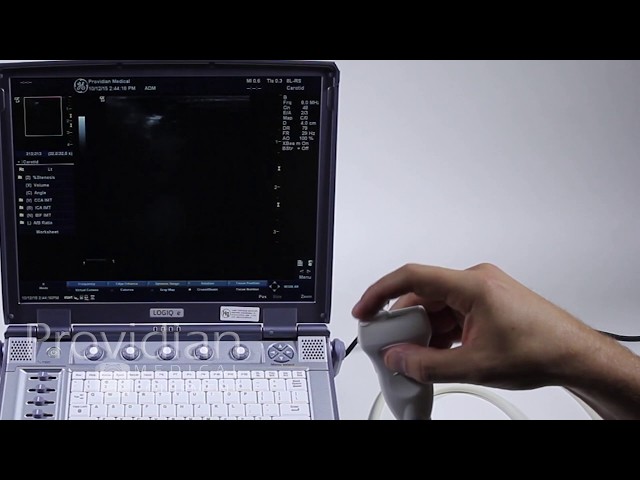
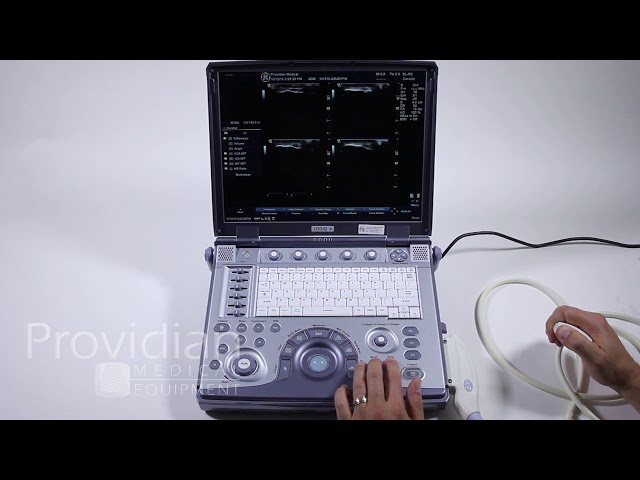
The GE Logiq e best feature is its versatility. It is used in many different situations and has needle-guidance software, Tissue Doppler, CW Doppler, and a wide variety of imaging presets.

This has been a workhorse ultrasound for more than a decade. With many revisions and updates, the GE Logiq e remains one of our most popular systems for rent. It can do the job anywhere and can be delivered quickly.

While a bit complicated, the DICOM networking setup is quite powerful and has good setups designed for a mobile environment.

Specifications
Active Probe Ports

Battery

Yes

CD/DVD-R

Yes

Export Options

USB

Features

Auto Optimization, DICOM, Scan Assistant, Speckle Reduction, Strain Elastography, Virtual Convex, Raw data processing

Monitor

"15.6"" High Resolution LCD"

Monitor Resolution

1920×1080

Power (USA)

50/60 Hz

Primary Applications

Abdominal, Cardiac, Intraoperative, Musculoskeletal, OB/GYN, Urology, Vascular, Fetal, Neonatal, Nerve, Pediatrics

Touchscreen

No

Trackball/Trackpad

Trackball

USB Ports

3

Video and Output Options

HDMI, USB, LAN

Wireless

Yes

Imaging Modes

2D, 3D/4D

Dimensions

32.5kg, 840-1140mm H x 510.3mm W x 501.3mm L

We’ve loved the GE Logiq e for a long time. While it’s since been replaced but the GE Logiq e NextGen, it’s hard to deny the value and performance of this bestselling ultrasound machine.

There’s a good reason the Logiq e is known as arguably the best-selling portable ultrasound machines of all time… because it can do so many things and it’s at a great price.

We don’t claim that the Logiq e has the best image in any situation, it never did. However, it has competitive image quality and is considered a good performer in all imaging modes.

We don’t love it for its cardiac imaging, but it’s a capable performer, which is basically seen as “good enough” once you perform the proper image optimization techniques.

Yes, we sell a lot of refurbished Logiq e systems to physicians using a portable ultrasound for needle-guided procedures. 

Yes, the GE Logiq e can export images to an external DVD-writer, Flash memory, or hard drive for images, backup, and patient data.

Yes, the Logiq e has full network capabilities, however, you’ll need to let your Probo Medical representative know in advance that you’ll need DICOM if you want to send your images to a PACS system or radiologist for review.

CrossXBeam on the GE Logiq e portable ultrasound machine is also known as compound imaging. It allows the ultrasound transducer to see from multiple lines of site at different angles, as opposed to the standard line-of-site that’s perpendicular to the transducer lens.

Speckle Reduction Imaging on the Logiq e uses a special software algorithm to identify body tissue and eliminate artifact. The result provides a clearer image with reduced artifact.

Also known as Tissue Harmonic Imaging, this is a feature that allows tells the ultrasound to use a combination of high and low frequencies, which allows it to better identify body tissue, thereby improving image quality.

You can find the GE Logiq e ultrasound brochure below. Probo Medical has a large inventory of GE owner’s manuals and brochures, so call today and ask for more information.

The very popular GE Logiq e and Vivid e ultrasound machines can be a complex, difficult-to-use system once you get beyond the basic scanning.

That’s not to say it’s difficult for everyone, but for those looking to using its more advanced features, such as system customization and DICOM setup, few people get can correctly perform these functions without some sort of initial difficulty.

Part 1 of the GE Logiq e Ultrasound Training Series is an overview of the entire Logiq e ultrasound machine, and addresses the various functions and features that are not as obvious.

This is an important video in the training series, as it provides an overview of how the ultrasound works and addresses some features that are not obvious.

Here you’ll learn about the general imaging process and all the key features about starting an exam, adjusting the image, saving, reviewing, and optimizing the image.

This video builds on Part 1, addressing key features built into the Logiq e, and important items that are not completely intuitive.

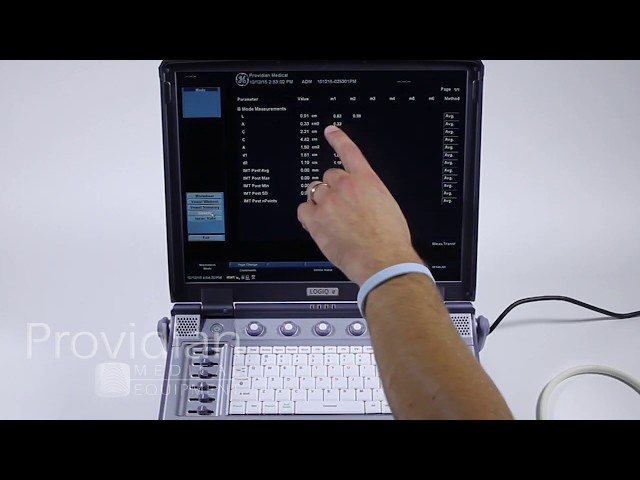
Learn to perform measurements and calculations on the GE Logiq e portable ultrasound machine. Much of what is taught here also applies to the GE Vivid e.

The Logiq e’s package can be cumbersome but fairly straightforward. It’s very customizable for those who prefer more automated measurements and calculation processes. This training video covers the basics and understanding how it works.

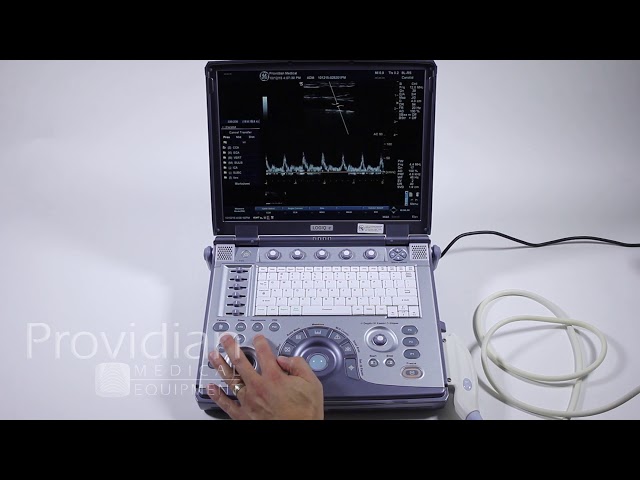
Using Doppler and M-Mode on the GE Logiq e is relatively straightforward, however, there are some hidden customizations and optimization features that are not known by most users.

This chapter addresses the basics and more advanced features of using Doppler on the GE Logiq e portable ultrasound machine.

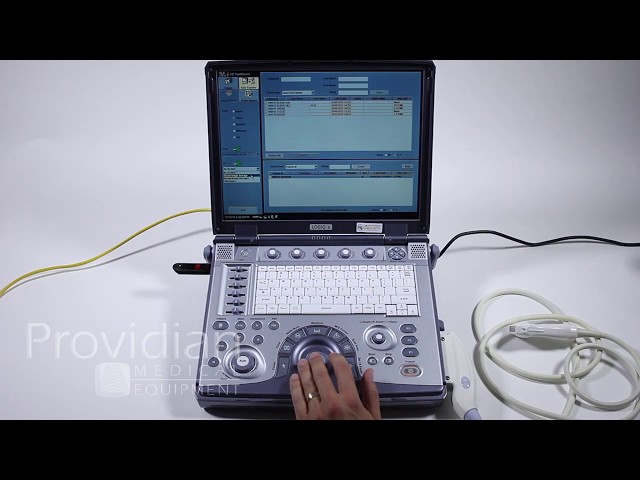
While this process is not intuitive, the connectivity and export options on the Logiq e are powerful and diverse. However, unfortunately you’ll need solid knowledge of your network or access to an IT professional, as well as information from your PACS/DICOM provider.

This video shows how to export images, and where to go to input the data received by the PACS administrator (radiologist or DICOM server admin), but you’ll need to get the proper information from the network administrator and PACS admin.

Exporting and connectivity are probably the most difficult functions to understand on the GE Logiq e, and the focus of a great deal of our technical support calls.

Exporting images for viewing on a PC in a PC format such as JPG or AVI can be extremely difficult and often produces poor results. This video discusses exporting in DICOM format and avoiding any other format for exporting images.

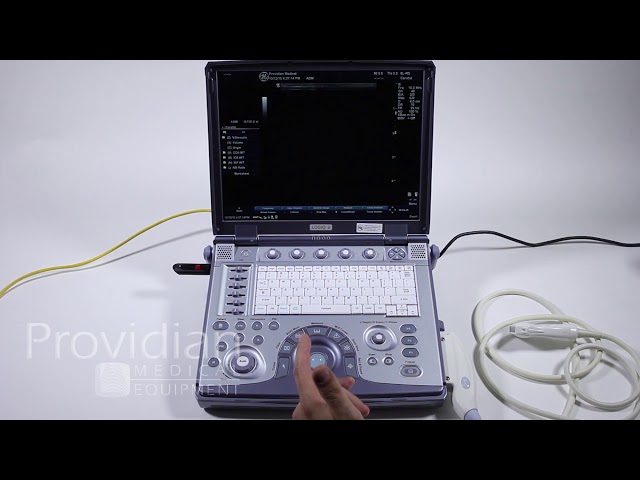
Part 6 introduces the Utilities features on the GE Logiq e, which involves customization, presets, and a wide variety of settings on the Logiq e.

These screens can be very complex, but I address what each screen does and you can decide what is important and what is not.

Inquire about this Ultrasound Machine

More Equipment from GE HealthCare